Challenge
Slow refreshes, delayed visuals and high CPU persisted despite a higher Premium capacity SKU.

Find the real causes of slow Power BI before buying more capacity.
Report profiling, data-model review, pushdown optimisation, team training and monitoring dashboards.
Challenge
Slow refreshes, delayed visuals and high CPU persisted despite a higher Premium capacity SKU.
Delivered
Quick-win fixes on high-CPU reports, model recommendations or rebuilds, and pushdown optimisation.
Enabled
Monitoring and alert dashboards, and a team trained to sustain performance.
The customer faced Power BI performance constraints despite upgrading to a higher Premium capacity SKU. Throwing more capacity at the problem hadn't solved it. Symptoms included slow dataset refreshes, delayed visual rendering after filter changes (even in Import Mode), high CPU consumption, and growing data bottlenecks in report generation. The team needed to find the actual root causes - not buy more capacity.
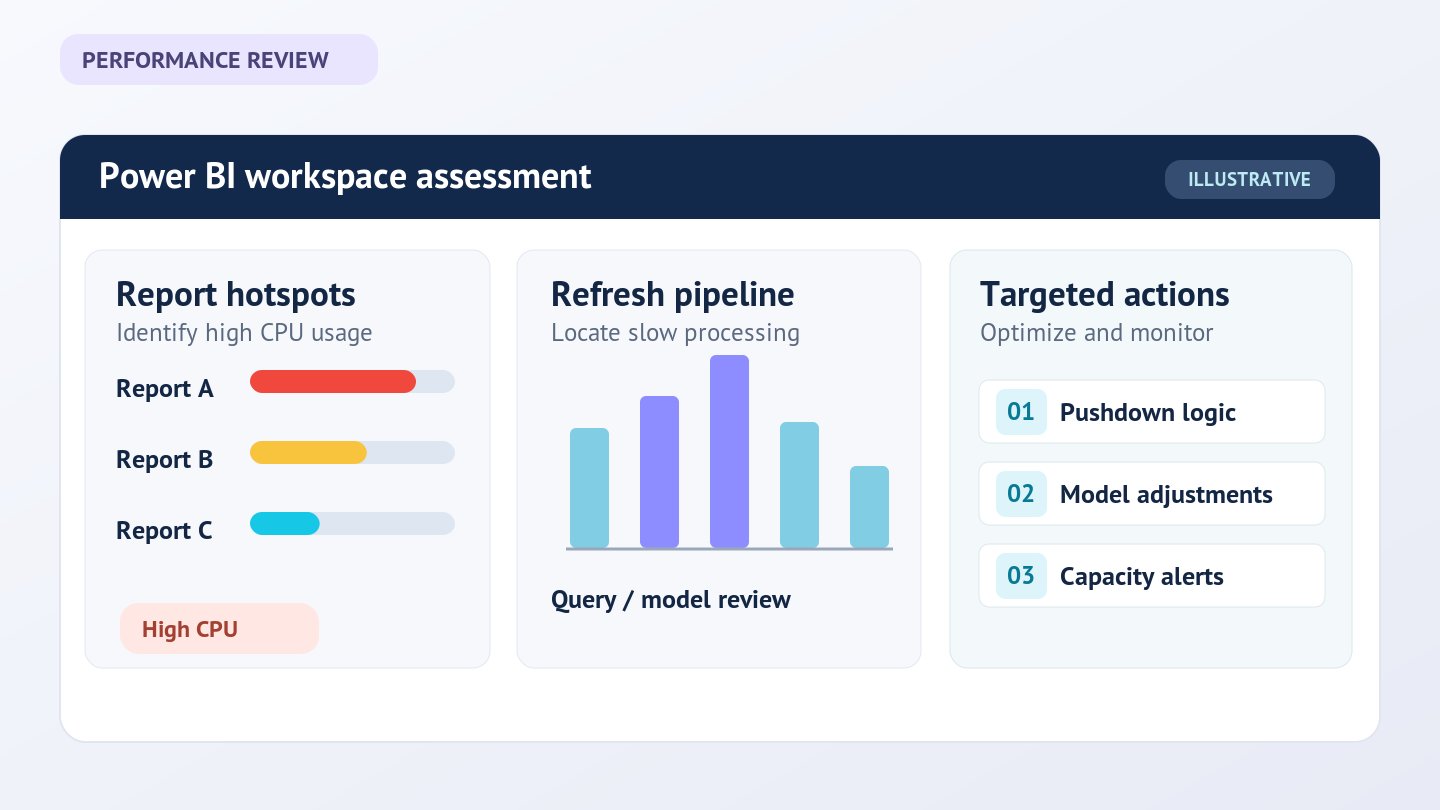
We started with a quick-win isolation pass: profiling the workspace to identify the high-CPU and long-running reports, then targeting them for immediate fixes. In parallel we evaluated the underlying data models against established guidelines and best practices. Where models were salvageable we issued specific recommendations; where they weren't, we rebuilt them.
The biggest performance lever was pushdown optimization - pushing heavy work out of high-consumption Power Query payloads and into the source layer. We complemented this with targeted Power BI training on best practices and "golden rules", so the team can sustain the gains and avoid regressions on future reports. Finally, we built monitoring and alert dashboards so capacity, refresh, and consumption issues surface in real time.
Profile the workspace to find high-CPU and long-running reports for immediate fixes.
Evaluate data models against established guidelines; recommend changes or rebuild.
Move heavy work out of Power Query payloads into the source layer.
Training on best practices and "golden rules", plus monitoring and alert dashboards.
Qualitative project outcomes; no measured before/after figures are claimed.
Significantly improved dataset refresh speeds
Reduced report loading times and enhanced visual responsiveness
Quick wins from high-CPU report optimization, plus structural gains from data-model rework
Proactive monitoring and alerting - issues caught before users feel them
Team enabled with best practices to sustain Power BI performance over time
Capacity headroom restored without further SKU upgrade

Solution areas: Data Foundations

Choose a 30-minute conversation or send us a short enquiry - whichever works for you.